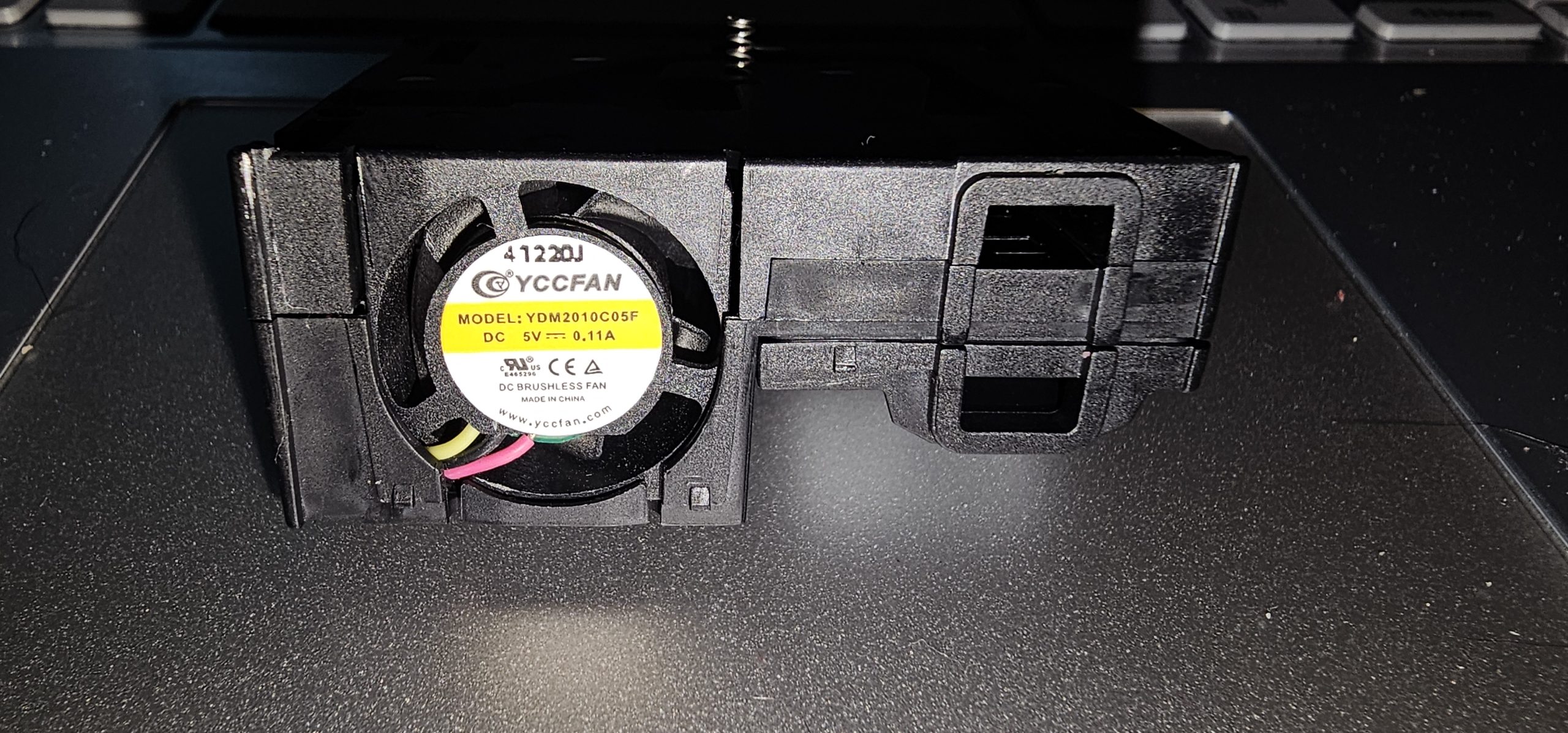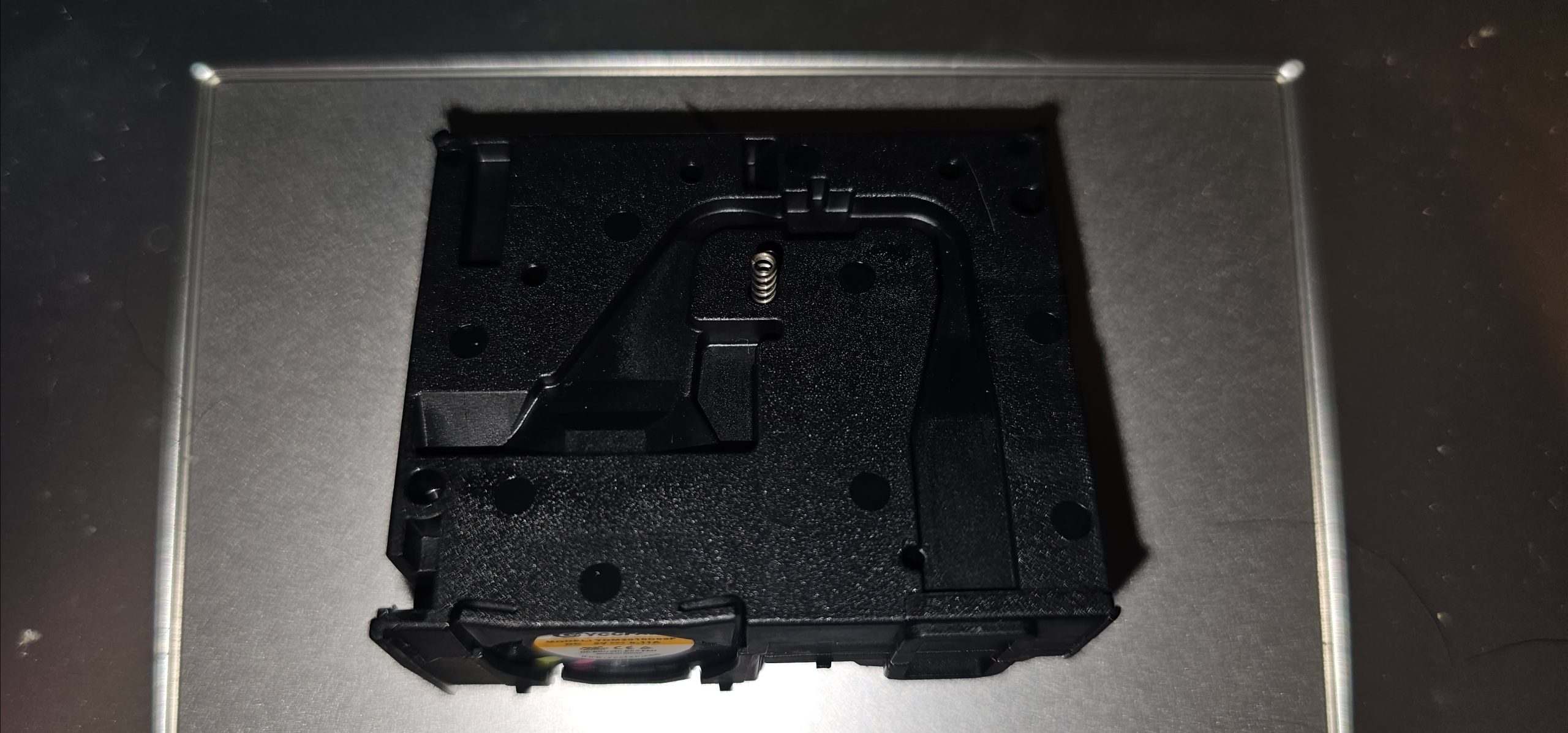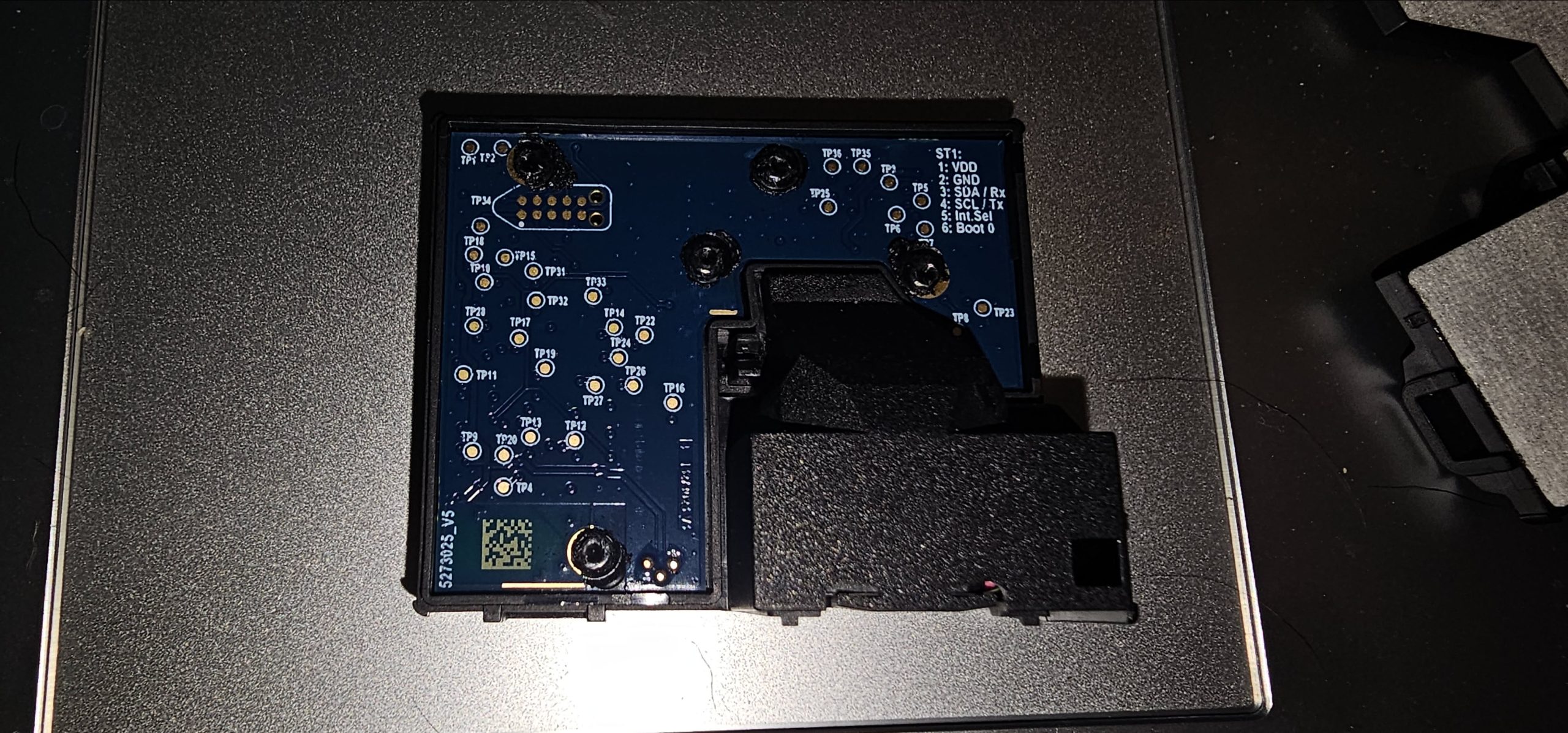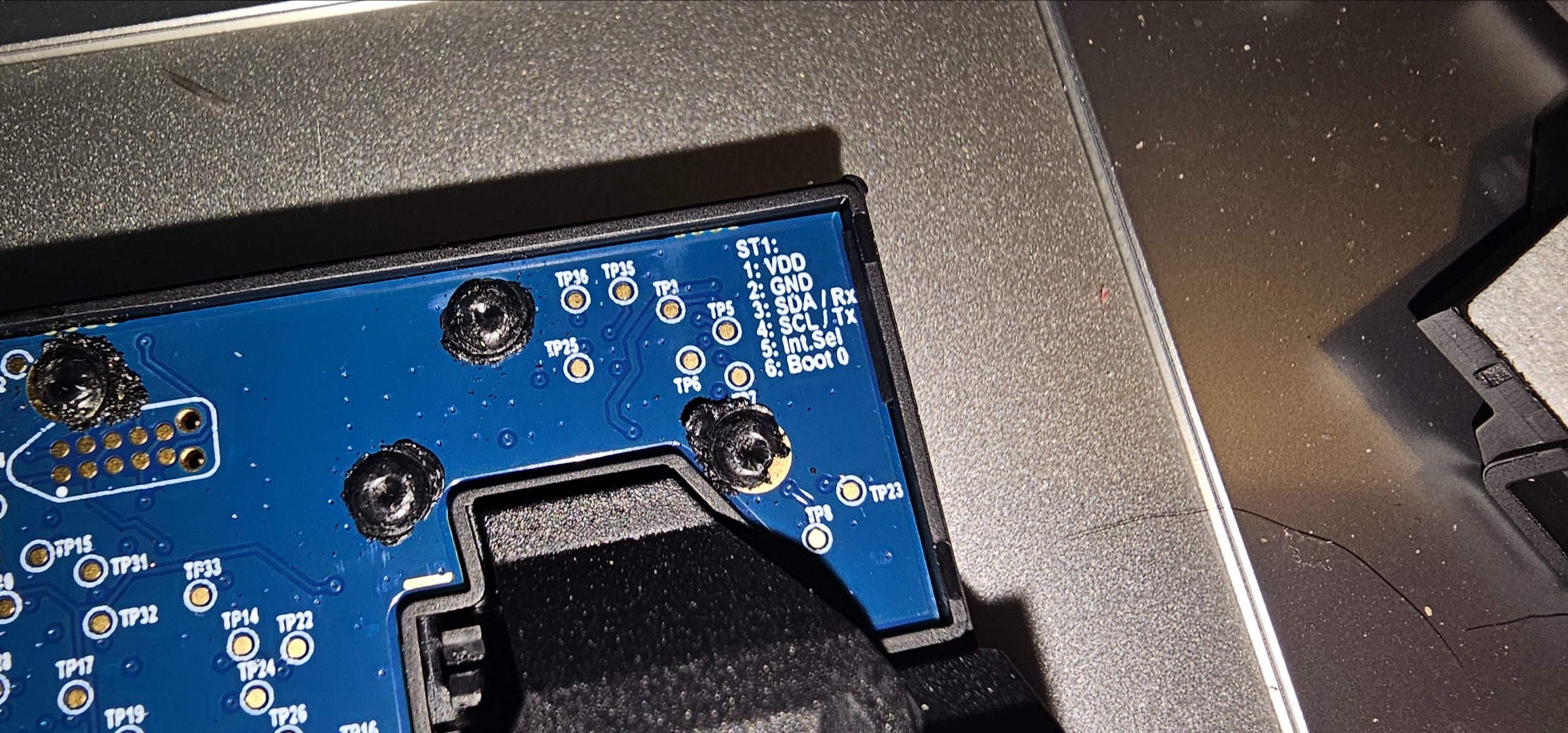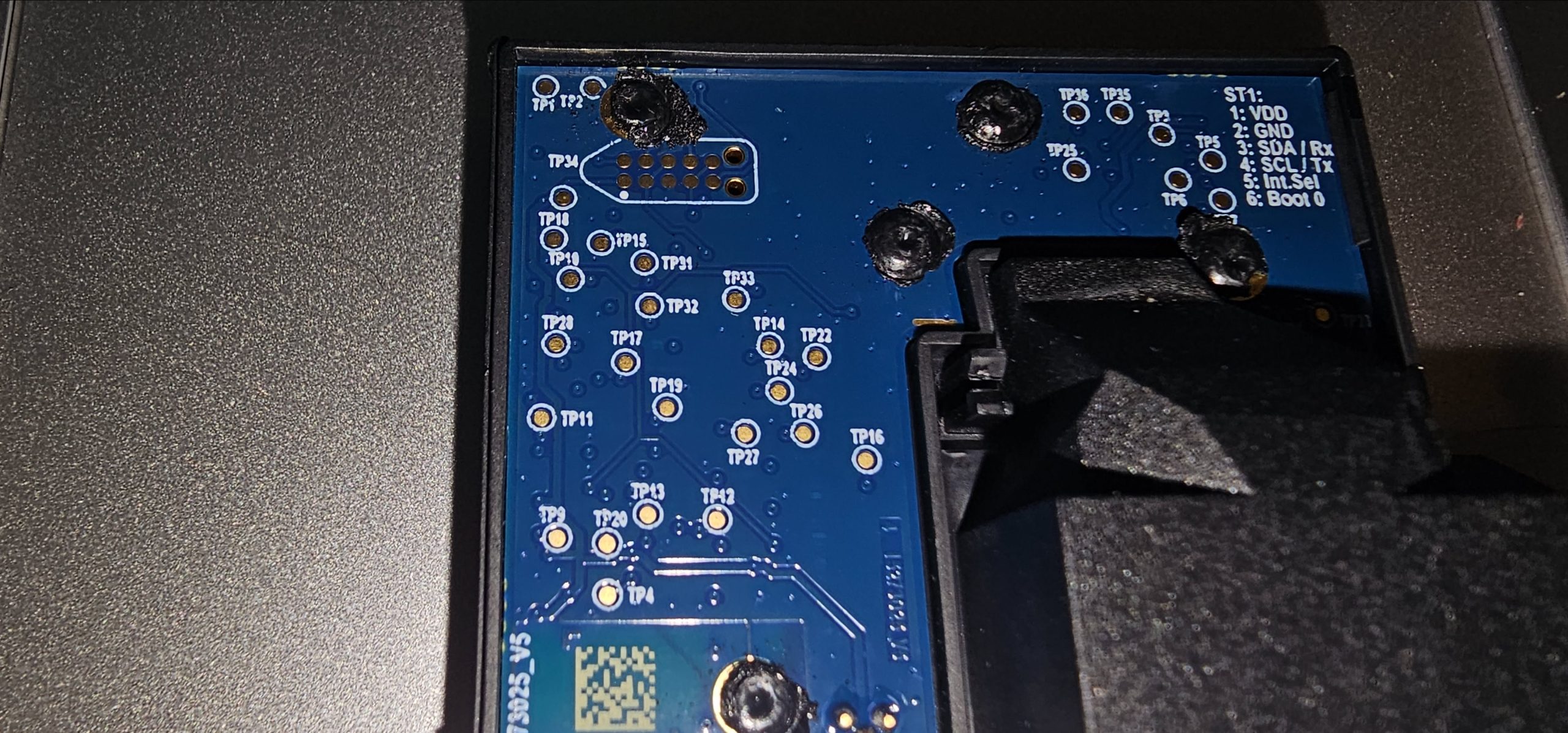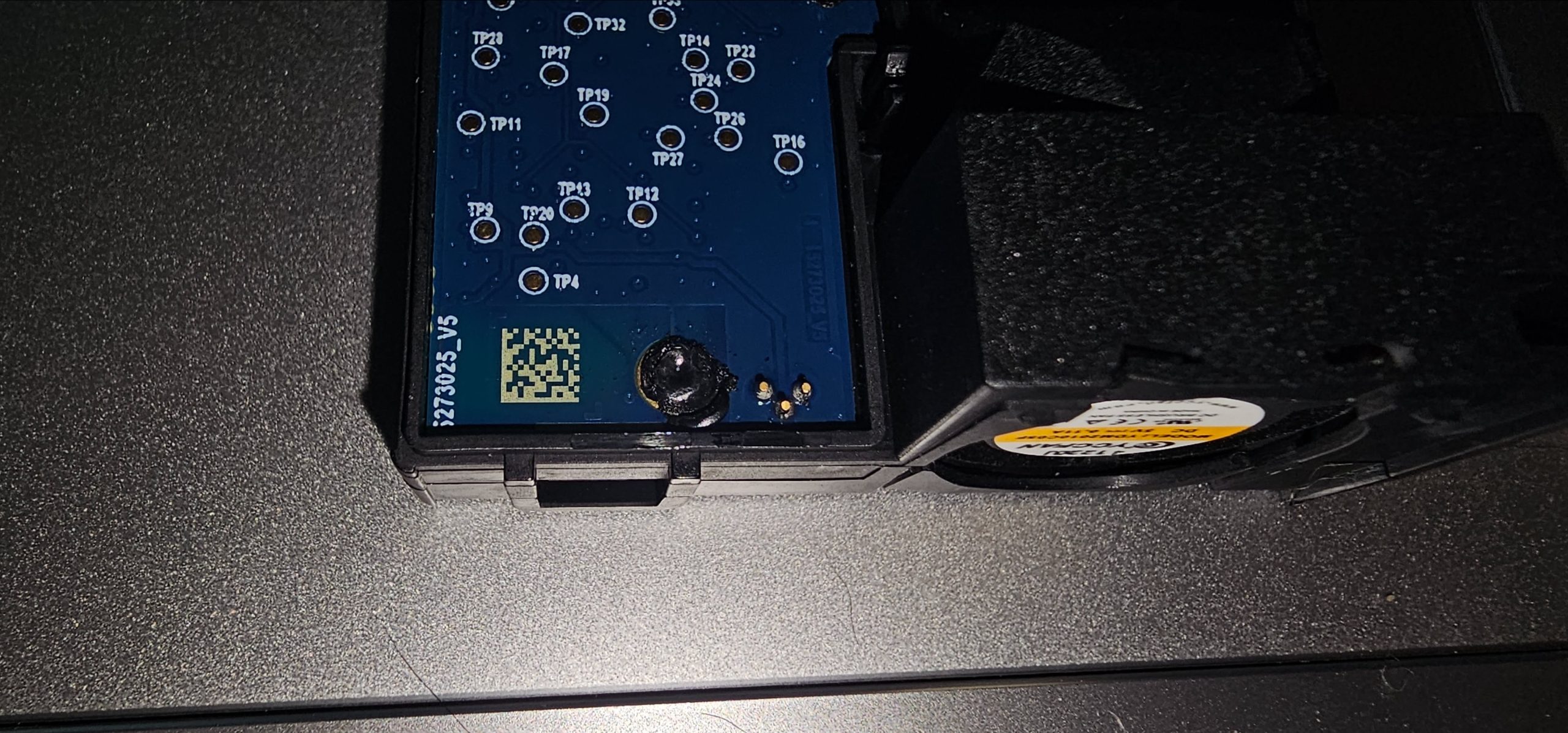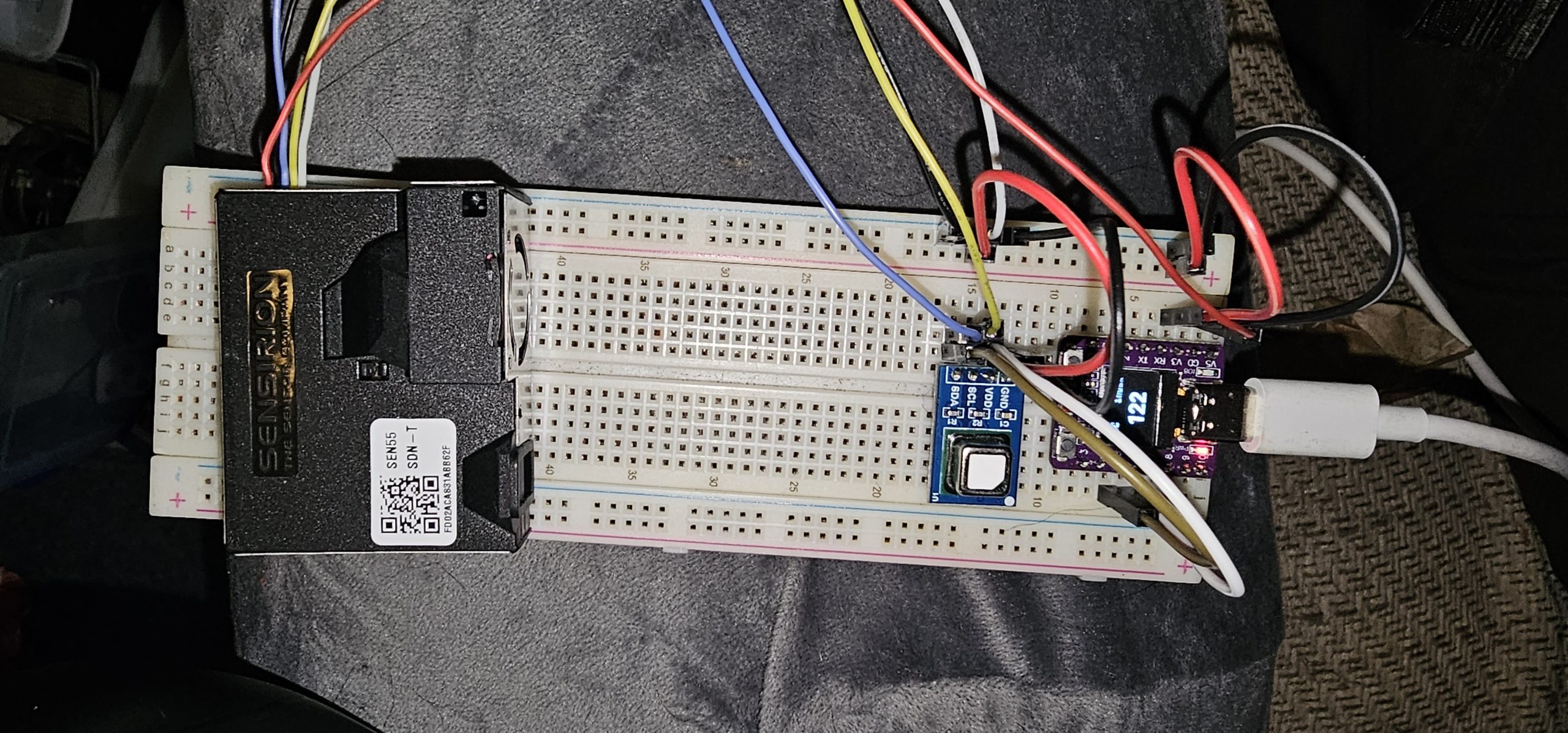
I’ve had a CO₂ monitor in the master bedroom for a while now, built around a Sensirion SCD41 on a plain ESP32 dev board running ESPHome, and feeding Home Assistant. Since then it has picked up a Sensirion SEN55 for particulates, VOC and NOx (I’ve had one of those apart too – [link to the SEN55 teardown once it’s published]), and I finally got round to what I really wanted – a display on the unit itself, so I can see the numbers without opening a dashboard. That meant a different board: an ESP32-C3 with a 0.42″ OLED built in, and a new name to match, since it’s no longer just a CO₂ sensor. To be clear up front, this is still a prototype – everything is on a breadboard for now, with no enclosure – so treat this as a build log rather than a finished design.
The OLED on these boards is tiny – a 72×40 pixel window in the middle of a standard SSD1306’s 128×64 RAM – and it’s hard-wired to I²C on GPIO5 (SDA) and GPIO6 (SCL). Those two pins are broken out to the header as well, so the sensors just share the same bus: the OLED at 0x3C, the SCD41 at 0x62 and the SEN55 at 0x69. One thing to watch is that the SEN55 needs 5V on its supply pin (from the board’s 5V pin), with the I²C lines pulled up to 3.3V. The SCD41 is happy on 3.3V.
As it stands, everything is just plugged into a breadboard, with the big SEN55 module out at one end and the SCD41 breakout sat next to the ESP32 board. It works well enough for developing the software and finding out what needs fixing, which is exactly what this stage is for.
ESPHome already has a “SSD1306 72×40” display model, which applies the column offset for the odd panel position by itself, so the display config is short. Two differences from the old board: the C3 has native USB rather than a USB-serial chip, so the logger has to be pointed at USB_SERIAL_JTAG, and the 26MHz crystal override the old board needed doesn’t apply any more (this one reports 40MHz like it should).
i2c:
  id: i2c_bus
  sda: GPIO5
  scl: GPIO6
  scan: true

logger:
  hardware_uart: USB_SERIAL_JTAG

display:
  - platform: ssd1306_i2c
    id: oled
    model: "SSD1306 72x40"
    address: 0x3C
    update_interval: 1s
There isn’t room for more than one reading at a time, so the display cycles through nine pages, three seconds each: CO₂, temperature, humidity, PM1.0, PM2.5, PM4.0, PM10, VOC index and NOx index. Rather than nine separate pages, the drawing code is a single lambda with a small table of label, unit, sensor and decimal places, and a global page counter that a 3 second interval bumps along. Anything without a value yet shows dashes instead of a bogus number.
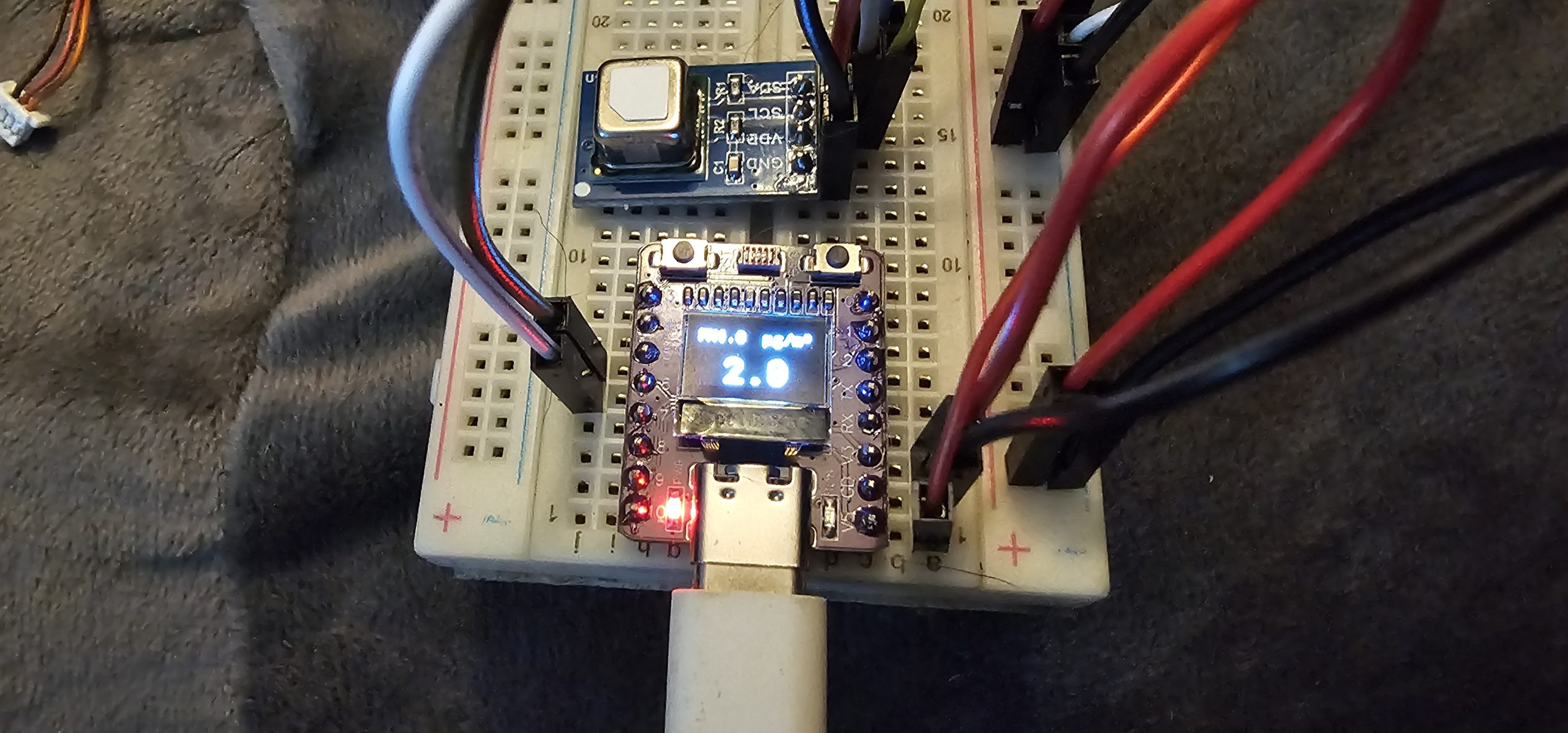
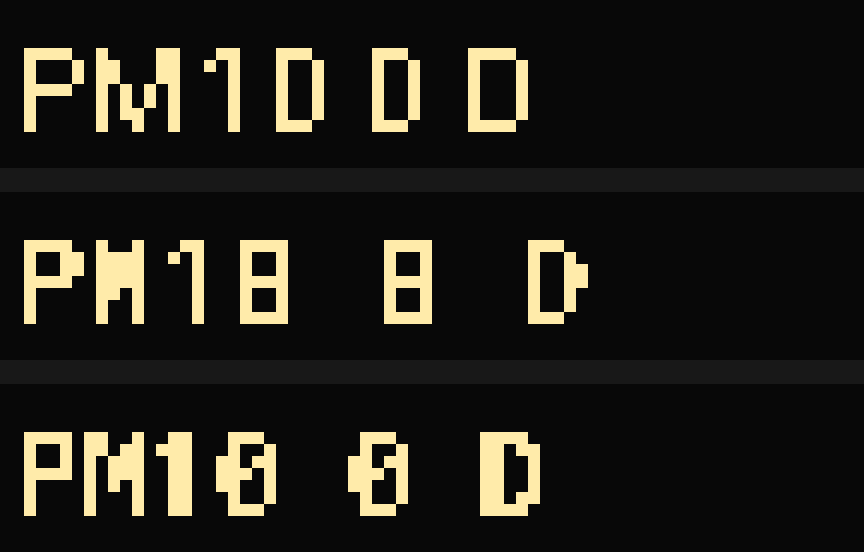
The first thing I noticed was that the zeros looked like the letter D. On a 1-bit display with no anti-aliasing, at 10 or 11 pixels high, Roboto renders a zero as a plain rounded box – and that’s exactly what a D looks like too. I rendered the glyphs at the real pixel size with no smoothing before touching the hardware (below). Switching to Roboto Mono, which has a slashed zero, doesn’t help at that size: the slash collapses into a horizontal bar and the zero looks like an 8 instead. Inconsolata Bold keeps a clearly recognisable slashed zero at this size, so that’s used for the small text (at 11px). Roboto Mono Medium works fine for the big value at 22px, where there’s room for the slash to survive. At that size the widest thing the display needs to show is a five character value like 123.4, which is 66 pixels wide, so it just fits in the 72.
The next problem is more about physics than fonts. Humidity depends on temperature, and the SCD41 works its relative humidity out using its own reported temperature. If that temperature is reading warm – from the sensor’s own self-heating, say – the humidity comes out low. I’d been correcting this with a flat offset on each: a temperature offset, and a humidity offset of +3%. But that’s only right at one particular temperature and humidity.
What actually stays constant is the amount of water vapour in the air. Correct the temperature, and the relative humidity follows from the ratio of saturation vapour pressures at the two temperatures, using the Magnus formula for the saturation pressure:
RH_corrected = RH_raw * es(T_raw) / es(T_corrected)
es(T) = 6.112 * exp(17.62 * T / (243.12 + T))   [hPa]
In ESPHome, that’s a template sensor that reads the raw temperature and humidity and the live-tunable temperature offset:
lambda: |-
  if (id(humidity_raw).has_state() && id(temp_raw).has_state()) {
    auto es = [](float t) { return 6.112f * expf(17.62f * t / (243.12f + t)); };
    float t_raw = id(temp_raw).state;
    float t_corr = t_raw + id(temp_cal_offset).state;
    float rh = id(humidity_raw).state * es(t_raw) / es(t_corr)
             + id(humidity_cal_offset).state;
    return clamp(rh, 0.0f, 100.0f);
  } else {
    return {};
  }
Checking this against the numbers I had from the old board: with a -0.8°C temperature offset, the physics alone gives +2.68% RH at those conditions, against the flat +3.0% I’d dialled in by hand. So the old offset was almost entirely doing this job anyway, and the humidity offset is now just a small residual trim (I’ve set it to 0.5%). The difference is that this now follows the temperature: at 26°C and 45% RH the correction is about +2.2%, at 20°C and 60% it’s about +3.1%, and a flat offset can’t do that.
To check the calibration I sat the sensor about a metre from a Sonoff temperature and humidity sensor in the living room. I’d like to say the readings matched straight away, but they didn’t – I’d just been handling it, and the sensors take a good while to settle after being picked up. Body heat warmed the temperature reading, and my breath sent the CO₂ up to 2005ppm on the first readings, which had dropped to around 660ppm in under half an hour. It’s worth waiting for things to settle before touching any offsets. Once it had, the numbers agreed well. This is all with the bare breadboard layout, in free air. The SCD41’s temperature offset is a compile-time setting, and ESPHome’s default of 4°C is intended for a bare board in free air – once this goes in an enclosure, self-heating will be worse (more like 6-10°C as a rule of thumb), so all of these numbers will need going through again.
One thing the SEN55 can do that I hadn’t exposed is a forced fan clean, which spins the fan at maximum speed for about 10 seconds to blow dust off the blades. The sensor does this by itself every week by default, but it’s useful to trigger manually after a fan speed warning or a dusty spell. ESPHome has an action for it (sen5x.start_fan_autoclean), so there’s now a button in Home Assistant, and also a long press (2 seconds or more) of the BOOT button on the board – GPIO9, so it’s just a normal input while the chip is running. Both call the same script, which sets a flag so the OLED shows “Cleaning” for the duration instead of PM readings that the cleaning burst would skew, and ignores a second trigger if one is already running.
script:
  - id: sen55_fan_clean
    mode: single
    then:
      - globals.set:
          id: fan_cleaning
          value: 'true'
      - sen5x.start_fan_autoclean: sen55
      - delay: 12s
      - globals.set:
          id: fan_cleaning
          value: 'false'

binary_sensor:
  - platform: gpio
    internal: true
    pin:
      number: GPIO9
      mode: INPUT_PULLUP
      inverted: true
    filters:
      - delayed_on: 30ms
    on_click:
      min_length: 2s
      max_length: 60s
      then:
        - script.execute: sen55_fan_clean
ESPHome’s SEN5x component doesn’t expose the sensor’s device status register, so I read it directly over I²C once a minute and turn the bits that matter into diagnostic binary sensors in Home Assistant: fan speed warning, fan failure, laser failure and gas sensor error. The fan and laser failure bits are sticky – they stay set after the fault clears until the register is cleared or the sensor is power cycled – so there’s a button that sends the clear command as well. There’s also a “Sensor Runtime” counter, stored in flash and added to every five minutes, since the uptime sensor resets on every boot and these sensors have a finite service life. It was seeded with the hours from the old board when the sensors moved over, and there’s a button to zero it when a sensor gets swapped.
A couple of gotchas from the changeover. Home Assistant treats a new board as a completely new device, with all-new entities and no history. I removed the old device, added the new one, and then renamed the new entities back to the old entity IDs, so the automations, dashboard cards and recorded history carried straight over. And on the very first boot the SCD41 didn’t respond at all – ESPHome marked it as failed in the log, and a failed component isn’t retried until the next reboot. A reset was all it needed, and it’s been fine since.
The full config is below, in case it’s useful. As this is still a prototype, expect it to change as the build develops.
Full Config
esphome:
  # Node name is capped at 31 chars by ESPHome, so "environmental" is abbreviated
  # here - the user-facing name below is the full one.
  name: master-bedroom-env-sensor
  friendly_name: "Master Bedroom Environmental Sensor"

esp32:
  # ESP32-C3 board with the integrated 0.42" (72x40) SSD1306 OLED. No board
  # definition exists for the specific module, so the generic C3 devkit is used.
  # (The old esp32dev board's 26MHz crystal override doesn't apply to the C3.)
  board: esp32-c3-devkitm-1
  variant: esp32c3
  framework:
    type: esp-idf

wifi:
  ssid: !secret wifi_ssid
  password: !secret wifi_password

logger:
  # The C3 has native USB and no UART bridge, so the default UART0 logger is not
  # what the USB port is wired to.
  hardware_uart: USB_SERIAL_JTAG

api:

ota:
  - platform: esphome
    password: !secret ota_password

web_server:
  version: 3

# The OLED is hard-wired to GPIO5 (SDA) / GPIO6 (SCL) on this board, so the
# sensors share that bus: SCD41 0x62, SEN55 0x69, OLED 0x3C.
i2c:
  id: i2c_bus
  sda: GPIO5
  scl: GPIO6
  scan: true

# Cumulative powered-on time, surviving reboots - the uptime sensor resets on
# every boot, which is no use for tracking sensor service life.
#
# The runtime tracks the SCD41/SEN55 hardware, not the board, and both were moved
# over from the old ESP32, so this is seeded with the old board's last reported
# value (790.917h at 2026-09-20 11:46 UTC, from HA history, just before it was
# unplugged). initial_value only takes effect on the first flash - restore_value
# takes over from flash after that.
globals:
  - id: sensor_runtime_seconds
    type: uint32_t
    restore_value: yes
    initial_value: '2847300'

  # Raw SEN55 Device Status Register (I2C command 0xD206) - not exposed by
  # ESPHome's sen5x component, read directly on the bus. Bit layout per the
  # Sensirion SEN5x datasheet section 5.4: bit 21 speed warning, bit 7 gas
  # sensor error, bit 6 RHT comms error, bit 5 laser failure, bit 4 fan
  # failure. Bits 4 and 5 are sticky - they do NOT self-clear even once the
  # fault condition resolves, only via Clear Device Status (0xD210) or a
  # power cycle.
  - id: sen55_device_status
    type: uint32_t
    restore_value: no
    initial_value: '0'

  # Index of the reading currently shown on the OLED.
  - id: display_page
    type: int
    restore_value: no
    initial_value: '0'

  # True while a SEN55 fan cleaning cycle is running, so the OLED can say so
  # instead of showing PM readings that the cleaning burst will skew.
  - id: fan_cleaning
    type: bool
    restore_value: no
    initial_value: 'false'

interval:
  # Accumulated in coarse 5-minute ticks rather than continuously: this global is
  # flash-backed, and every change to it eventually costs an NVS write. A tick
  # this size keeps writes down to ~288/day while losing at most 5 minutes of
  # the partial period on reboot - irrelevant against a service life in years.
  - interval: 5min
    then:
      - lambda: 'id(sensor_runtime_seconds) += 300;'

  - interval: 60s
    then:
      - lambda: |-
          if (id(sen55)->is_failed()) return;
          uint16_t raw[2];
          // MSW first, then LSW, per the datasheet's Read Device Status response layout.
          if (id(sen55)->get_register(0xD206, raw, 2, 20)) {
            id(sen55_device_status) = (uint32_t(raw[0]) << 16) | raw[1];
          }

  # Advance the OLED to the next reading. Keep in step with the table length in
  # the display lambda below.
  - interval: 3s
    then:
      - lambda: 'id(display_page) = (id(display_page) + 1) % 9;'

# SEN55 fan cleaning, shared by the "Clean SEN55 Fan" HA button and the long-press
# of the board's BOOT button. mode: single ignores a second trigger while a clean
# is already running instead of restarting the sequence.
script:
  - id: sen55_fan_clean
    mode: single
    then:
      - globals.set:
          id: fan_cleaning
          value: 'true'
      - sen5x.start_fan_autoclean: sen55
      # Datasheet: cleaning takes 10 seconds; hold the OLED message a little longer.
      - delay: 12s
      - globals.set:
          id: fan_cleaning
          value: 'false'

font:
  # Inconsolata Bold for the small text: at 10-11px on a 1-bit OLED both Roboto's
  # and Roboto Mono's zero collapse into a box that looks like a "D". Inconsolata's
  # slashed zero stays distinct at this size. 'PM2.5' + 'µg/m³' is 55px wide at
  # size 11, inside the 72px window.
  - file: "gfonts://Inconsolata@700"
    id: font_small
    size: 11
    glyphs: ' !%()+-_.,:/°µ³²0123456789ABCDEFGHIJKLMNOPQRSTUVWXYZabcdefghijklmnopqrstuvwxyz'
  # Roboto Mono for the big value: on a 1-bit OLED, Roboto's zero renders as a
  # rounded rectangle that reads as a "D". Roboto Mono's zero is slashed. Size 22
  # keeps a 5-character value ("123.4") at 66px, inside the 72px window.
  - file: "gfonts://Roboto Mono@500"
    id: font_big
    size: 22
    glyphs: '0123456789.-'

# 0.42" OLED: a 72x40 window in the middle of the SSD1306's 128x64 RAM. ESPHome's
# "SSD1306 72x40" model applies the column offset itself.
display:
  - platform: ssd1306_i2c
    id: oled
    model: "SSD1306 72x40"
    address: 0x3C
    update_interval: 1s
    lambda: |-
      if (id(fan_cleaning)) {
        it.printf(36, 14, id(font_small), TextAlign::CENTER, "Cleaning");
        it.printf(36, 27, id(font_small), TextAlign::CENTER, "SEN55 fan");
        return;
      }

      struct Reading {
        const char *label;
        const char *unit;
        sensor::Sensor *sensor;
        int decimals;
      };
      // One entry per OLED page - if this length changes, update the modulus in
      // the 3s interval above.
      const Reading pages[] = {
        {"CO2",      "ppm",   id(co2_sensor),      0},
        {"Temp",     "°C",    id(temp_corrected),  1},
        {"Humidity", "%",     id(humidity_corrected), 1},
        {"PM1.0",    "µg/m³", id(pm_1_0),          1},
        {"PM2.5",    "µg/m³", id(pm_2_5),          1},
        {"PM4.0",    "µg/m³", id(pm_4_0),          1},
        {"PM10",     "µg/m³", id(pm_10_0),         1},
        {"VOC",      "index", id(voc_index),       0},
        {"NOx",      "index", id(nox_index),       0},
      };
      const Reading &r = pages[id(display_page) % 9];

      // Label top-left, unit top-right, value filling the rest.
      it.printf(0, 0, id(font_small), TextAlign::TOP_LEFT, "%s", r.label);
      it.printf(71, 0, id(font_small), TextAlign::TOP_RIGHT, "%s", r.unit);
      if (r.sensor->has_state() && !std::isnan(r.sensor->state)) {
        it.printf(36, 27, id(font_big), TextAlign::CENTER, "%.*f", r.decimals, r.sensor->state);
      } else {
        it.printf(36, 27, id(font_big), TextAlign::CENTER, "--");
      }

# Live-tunable fine calibration, exposed to HA so you can dial these in against
# a reference thermometer/hygrometer without reflashing. Values persist across reboots.
#
# The temperature offset carries over what was dialled in on the old board
# (-0.8C). The humidity offset is now only a RESIDUAL trim: Humidity (Corrected)
# is recomputed from the corrected temperature (see below), which accounts for
# almost all of what the old flat +3.0% was doing (+2.68% at the old conditions,
# leaving ~+0.3%; 0.5 is the nearest step). initial_value only applies on first
# flash, so an already-flashed board keeps whatever value is stored on it.
# Re-check both against a reference once the sensor has settled.
number:
  - platform: template
    name: "Temperature Calibration Offset"
    id: temp_cal_offset
    icon: mdi:thermometer-plus
    unit_of_measurement: "°C"
    min_value: -10
    max_value: 10
    step: 0.1
    initial_value: -0.8
    restore_value: true
    optimistic: true

  - platform: template
    name: "Humidity Calibration Offset"
    id: humidity_cal_offset
    icon: mdi:water-percent
    unit_of_measurement: "%"
    min_value: -20
    max_value: 20
    step: 0.5
    initial_value: 0.5
    restore_value: true
    optimistic: true

sensor:
  - platform: scd4x
    id: scd41
    co2:
      name: "CO2"
      id: co2_sensor
    temperature:
      name: "Temperature (Raw)"
      id: temp_raw
    humidity:
      name: "Humidity (Raw)"
      id: humidity_raw
    address: 0x62
    update_interval: 60s
    automatic_self_calibration: true
    # Onboard self-heating compensation, fed back into the sensor's own RH calc.
    # 4C is ESPHome's own default for a bare board in free air - if this ends up
    # in an enclosure, expect more like 6-10C. Re-tune against a reference and
    # reflash once you have real comparison data; this one's compile-time only.
    temperature_offset: 4°C
    measurement_mode: periodic

  - platform: template
    name: "Temperature (Corrected)"
    id: temp_corrected
    unit_of_measurement: "°C"
    device_class: temperature
    state_class: measurement
    accuracy_decimals: 1
    lambda: |-
      if (id(temp_raw).has_state()) {
        return id(temp_raw).state + id(temp_cal_offset).state;
      } else {
        return {};
      }
    update_interval: 60s

  # RH is a function of temperature: the SCD41 computed its RH using the (biased)
  # temperature it reports as Temperature (Raw), so when the temperature is
  # corrected, the RH has to be re-derived, not just nudged by a flat offset. The
  # vapour pressure in the air doesn't change; only the saturation pressure at
  # the true temperature does:
  #     RH_corrected = RH_raw * es(T_raw) / es(T_corrected)
  # with es from the Magnus formula (hPa, valid -45..60C). The Humidity Calibration
  # Offset is then only a small residual trim on top of that.
  - platform: template
    name: "Humidity (Corrected)"
    id: humidity_corrected
    unit_of_measurement: "%"
    device_class: humidity
    state_class: measurement
    accuracy_decimals: 1
    lambda: |-
      if (id(humidity_raw).has_state() && id(temp_raw).has_state()) {
        auto es = [](float t) { return 6.112f * expf(17.62f * t / (243.12f + t)); };
        float t_raw = id(temp_raw).state;
        float t_corr = t_raw + id(temp_cal_offset).state;
        float rh = id(humidity_raw).state * es(t_raw) / es(t_corr) + id(humidity_cal_offset).state;
        return clamp(rh, 0.0f, 100.0f);
      } else {
        return {};
      }
    update_interval: 60s

  - platform: sen5x
    id: sen55
    pm_1_0:
      name: "PM 1.0"
      id: pm_1_0
    pm_2_5:
      name: "PM 2.5"
      id: pm_2_5
    pm_4_0:
      name: "PM 4.0"
      id: pm_4_0
    pm_10_0:
      name: "PM 10.0"
      id: pm_10_0
    voc:
      name: "VOC Index"
      id: voc_index
    nox:
      name: "NOx Index"
      id: nox_index
    temperature:
      name: "Temperature (SEN55)"
    humidity:
      name: "Humidity (SEN55)"
    address: 0x69
    update_interval: 60s
    acceleration_mode: low
    store_baseline: true

  - platform: template
    name: "Sensor Runtime"
    id: sensor_runtime
    icon: mdi:timer-sand
    unit_of_measurement: "h"
    device_class: duration
    state_class: total_increasing
    accuracy_decimals: 1
    entity_category: diagnostic
    lambda: 'return id(sensor_runtime_seconds) / 3600.0f;'
    update_interval: 60s

  - platform: uptime
    name: "Uptime"

  - platform: wifi_signal
    name: "WiFi Signal"
    update_interval: 60s

  - platform: internal_temperature
    name: "ESP32 Internal Temperature"
    entity_category: diagnostic
    # Chip die temperature, not ambient - runs hotter than the room due to
    # CPU/WiFi load. Diagnostic only, not a substitute for the SCD41 reading.

binary_sensor:
  # The board's BOOT button (GPIO9, active low with an external pull-up). Holding
  # it for 2s or more, then releasing, runs a SEN55 fan clean. Internal: it needs
  # no HA entity. GPIO9 is a strapping pin, but that only matters if it is held
  # low while the chip resets - pressing it while running is harmless.
  - platform: gpio
    id: boot_button
    internal: true
    pin:
      number: GPIO9
      mode: INPUT_PULLUP
      inverted: true
    filters:
      - delayed_on: 30ms
    on_click:
      min_length: 2s
      max_length: 60s
      then:
        - script.execute: sen55_fan_clean

  - platform: template
    name: "SEN55 Fan Speed Warning"
    icon: mdi:fan-alert
    device_class: problem
    entity_category: diagnostic
    lambda: 'return id(sen55_device_status) & (1UL << 21);'

  - platform: template
    name: "SEN55 Fan Failure"
    icon: mdi:fan-off
    device_class: problem
    entity_category: diagnostic
    # Sticky - stays on after a one-off blockage clears until Clear Sensor Faults is pressed.
    lambda: 'return id(sen55_device_status) & (1UL << 4);'

  - platform: template
    name: "SEN55 Laser Failure"
    icon: mdi:alert-decagram
    device_class: problem
    entity_category: diagnostic
    # Sticky - datasheet: not cleared automatically even once current is back in range.
    lambda: 'return id(sen55_device_status) & (1UL << 5);'

  - platform: template
    name: "SEN55 Gas Sensor Error"
    icon: mdi:molecule
    device_class: problem
    entity_category: diagnostic
    lambda: 'return id(sen55_device_status) & (1UL << 7);'

button:
  # Manual trigger for the SEN55's fan-cleaning routine (spins the fan at maximum
  # speed for ~10s to blow dust off the blades). The sensor already does this by
  # itself weekly; this is for after a Fan Speed Warning or a dusty stretch.
  # Only valid while the sensor is measuring, which it always is here.
  - platform: template
    name: "Clean SEN55 Fan"
    icon: mdi:fan-auto
    entity_category: config
    on_press:
      - script.execute: sen55_fan_clean

  - platform: template
    name: "Clear SEN55 Sensor Faults"
    icon: mdi:alert-remove
    entity_category: config
    on_press:
      - lambda: 'id(sen55)->write_command(uint16_t(0xD210));'

  - platform: template
    name: "CO2 Forced Calibration (420ppm outdoor air)"
    icon: mdi:target
    on_press:
      - scd4x.perform_forced_calibration:
          value: 420
          id: scd41

  # Zero the hour counter when a sensor is physically swapped out, so the
  # figure keeps tracking the hardware actually installed rather than the board.
  - platform: template
    name: "Reset Sensor Runtime"
    icon: mdi:timer-refresh
    entity_category: config
    on_press:
      - globals.set:
          id: sensor_runtime_seconds
          value: '0'
      - component.update: sensor_runtime

  - platform: restart
    name: "Restart"